Overview
Arkins Construction has built custom homes, architectural millwork, and high-end residential projects on New England’s Farm Coast since 1992. I’ve worked with them since 2023, starting with their marketing site and growing into the software that runs behind it: a client portal for their projects, and AI tools that put the company’s own knowledge to work inside Microsoft Teams.
The marketing site
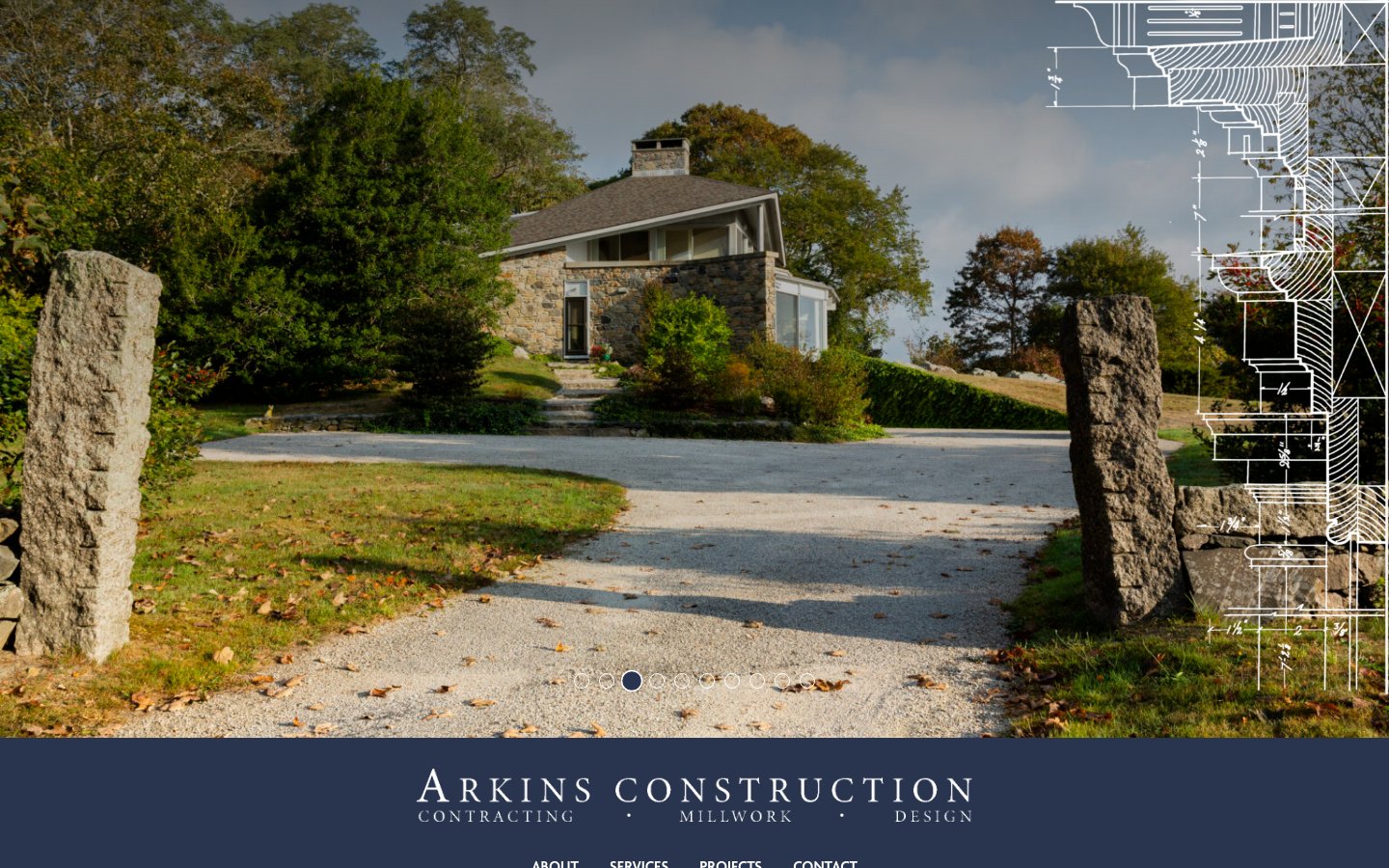
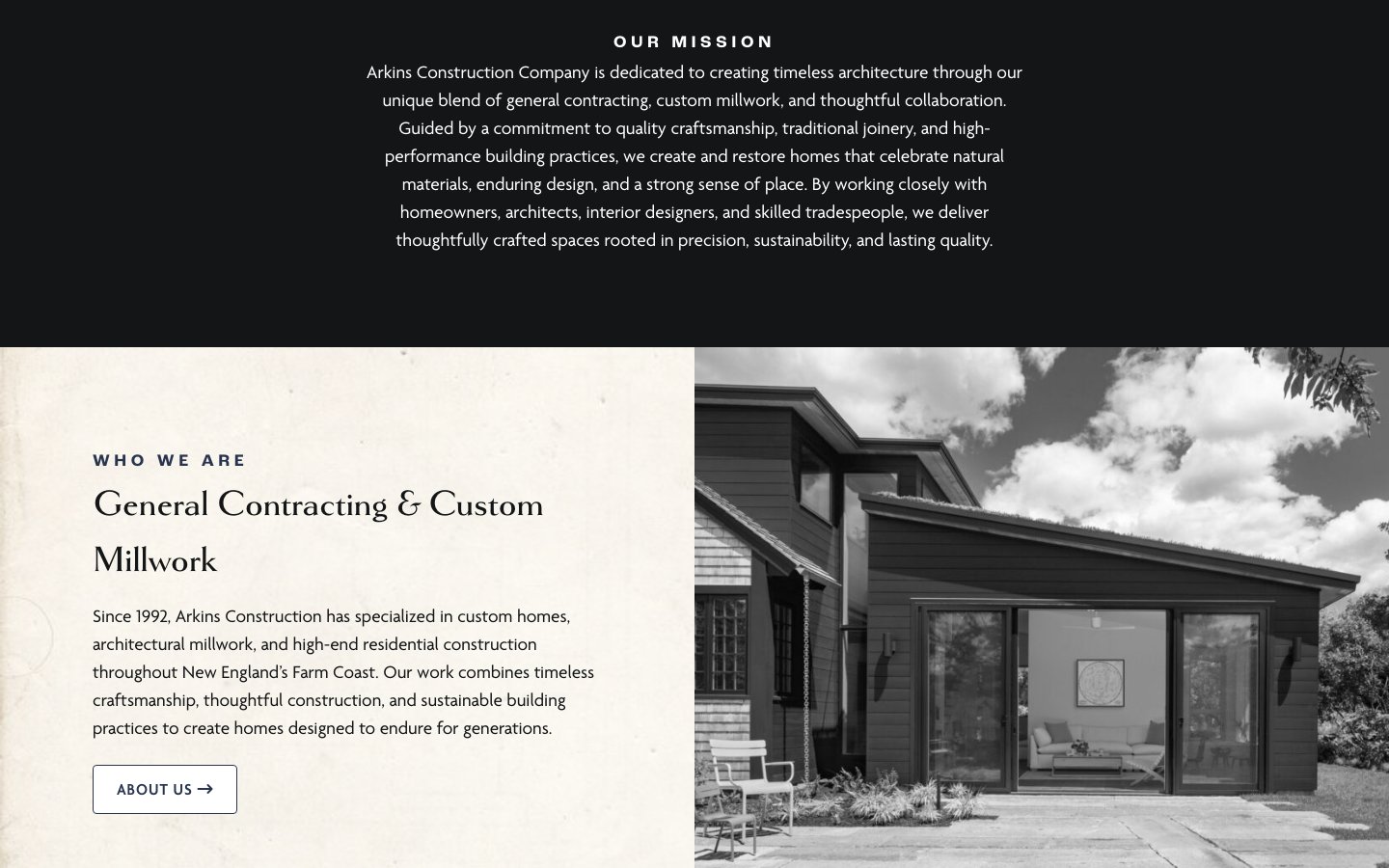
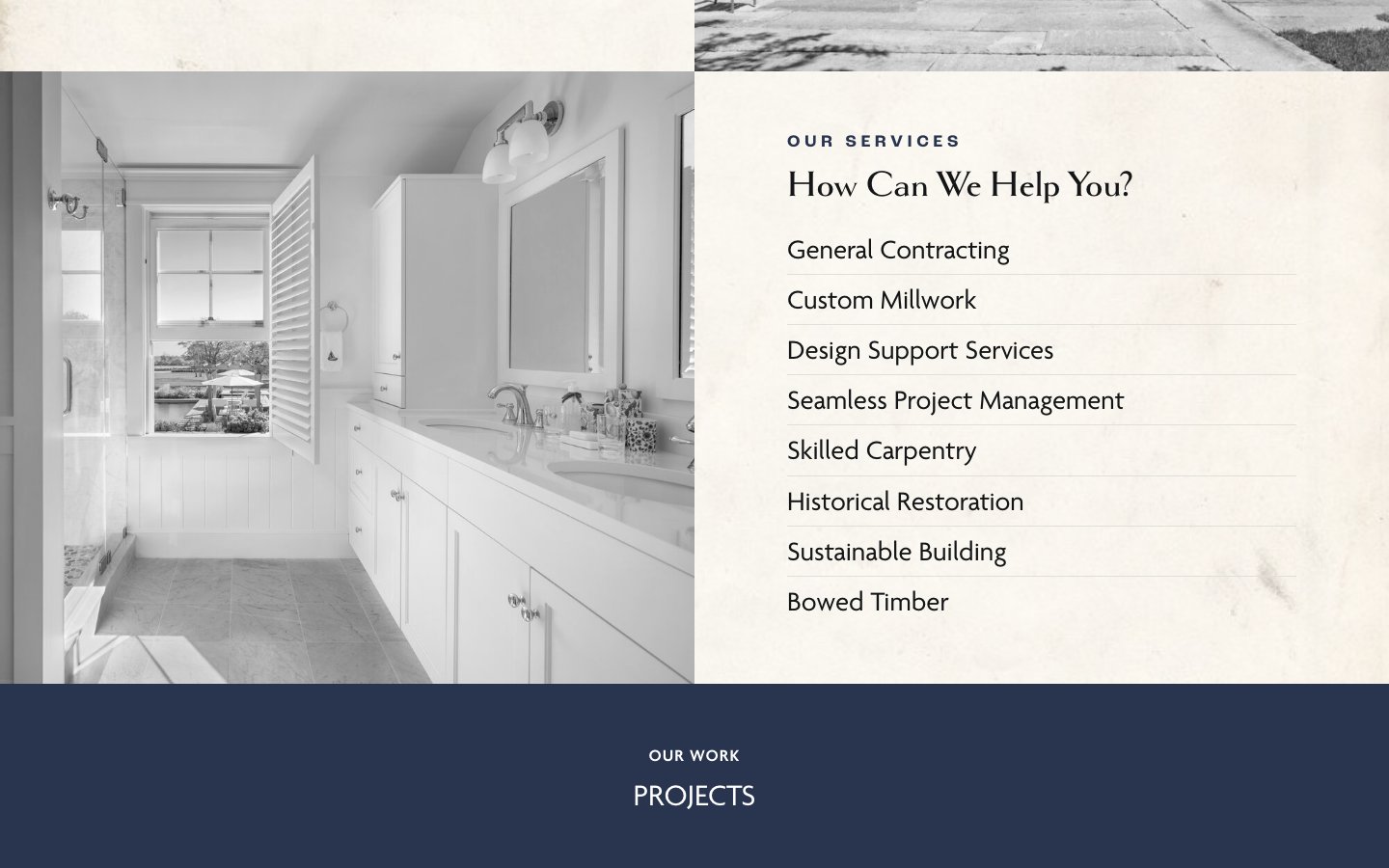
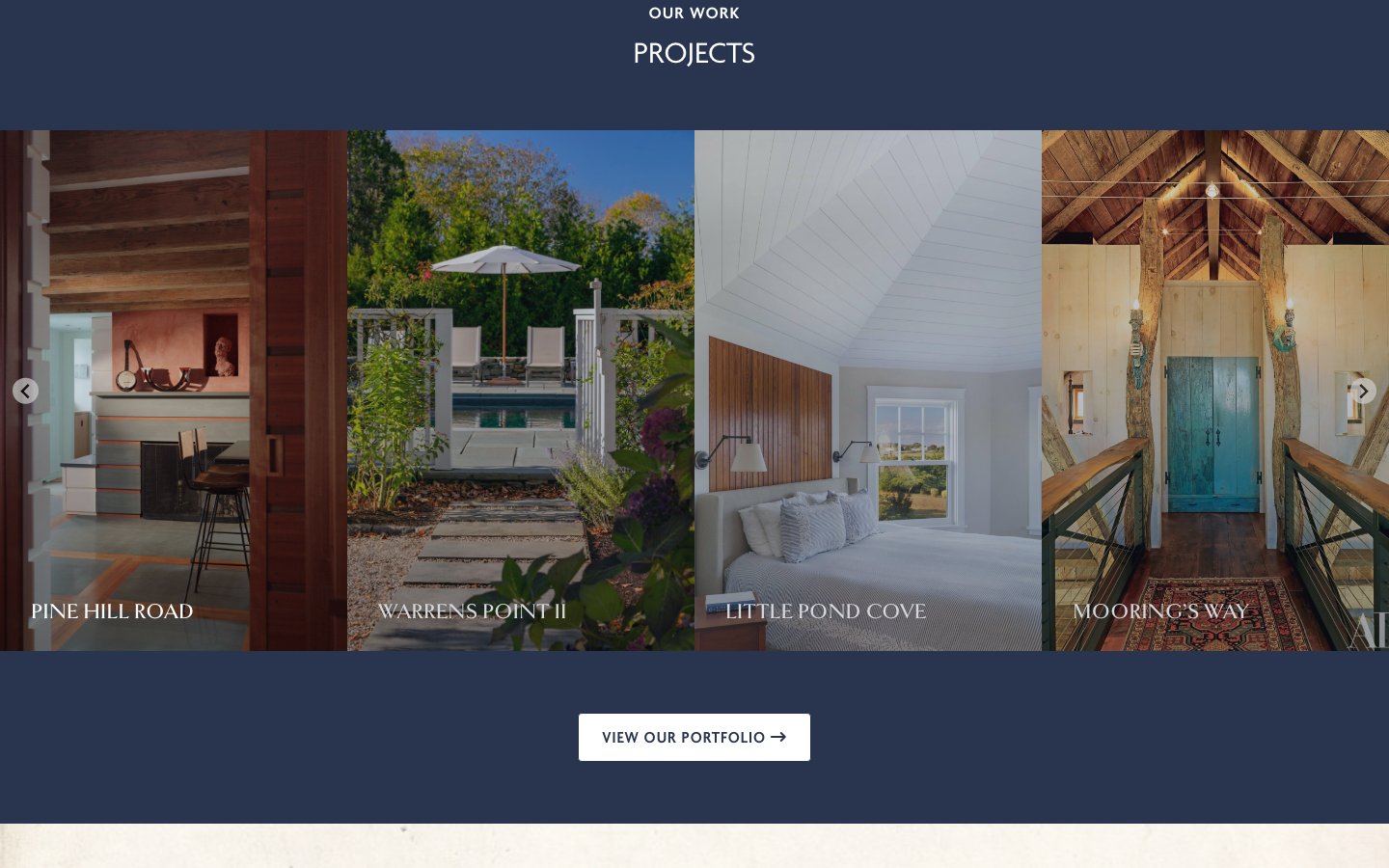
arkinscorp.com is a WordPress site on a custom theme I designed and built in 2023. The work is the hero — big photography of finished homes, framed by a restrained navy and cream palette and classic serif type that matches the craftsmanship the company is known for. The site covers their mission, services from general contracting to historical restoration and bowed timber, and a portfolio of their projects.
The client portal
The portal, in active development, gives Arkins and its clients one place to follow a project. It’s a Next.js and TypeScript app with a PostgreSQL database and three roles — Arkins staff, project leads, and clients — each with their own dashboard.
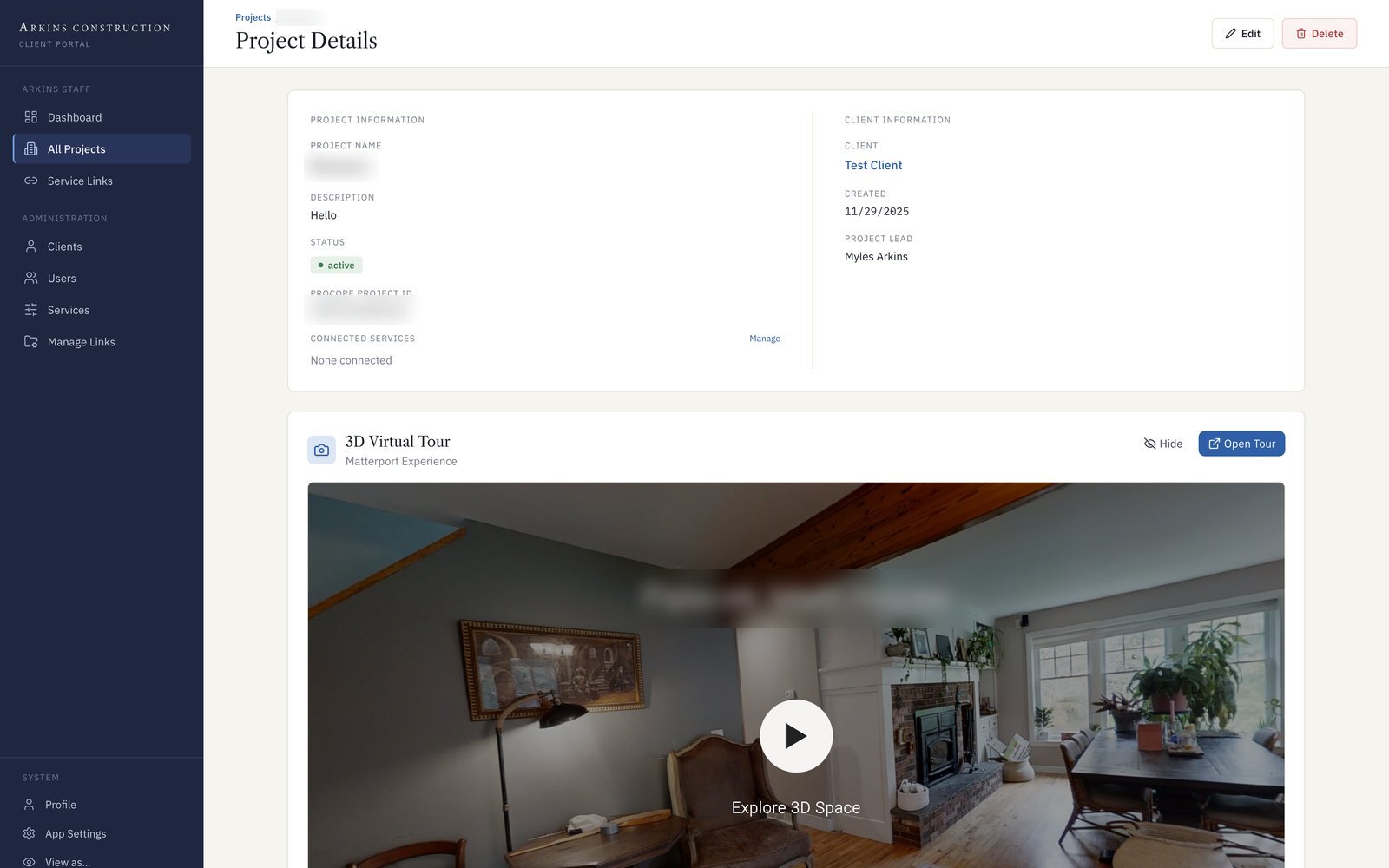
Every project page brings the job together: its status and project lead, a link to its Procore project, an embedded Matterport 3D tour of the space, and the files the client can see — progress photos, drawings and schematics, and documents. Around that sit messaging, Zoom meetings, user and client management, and a framework for connecting more construction services over time.
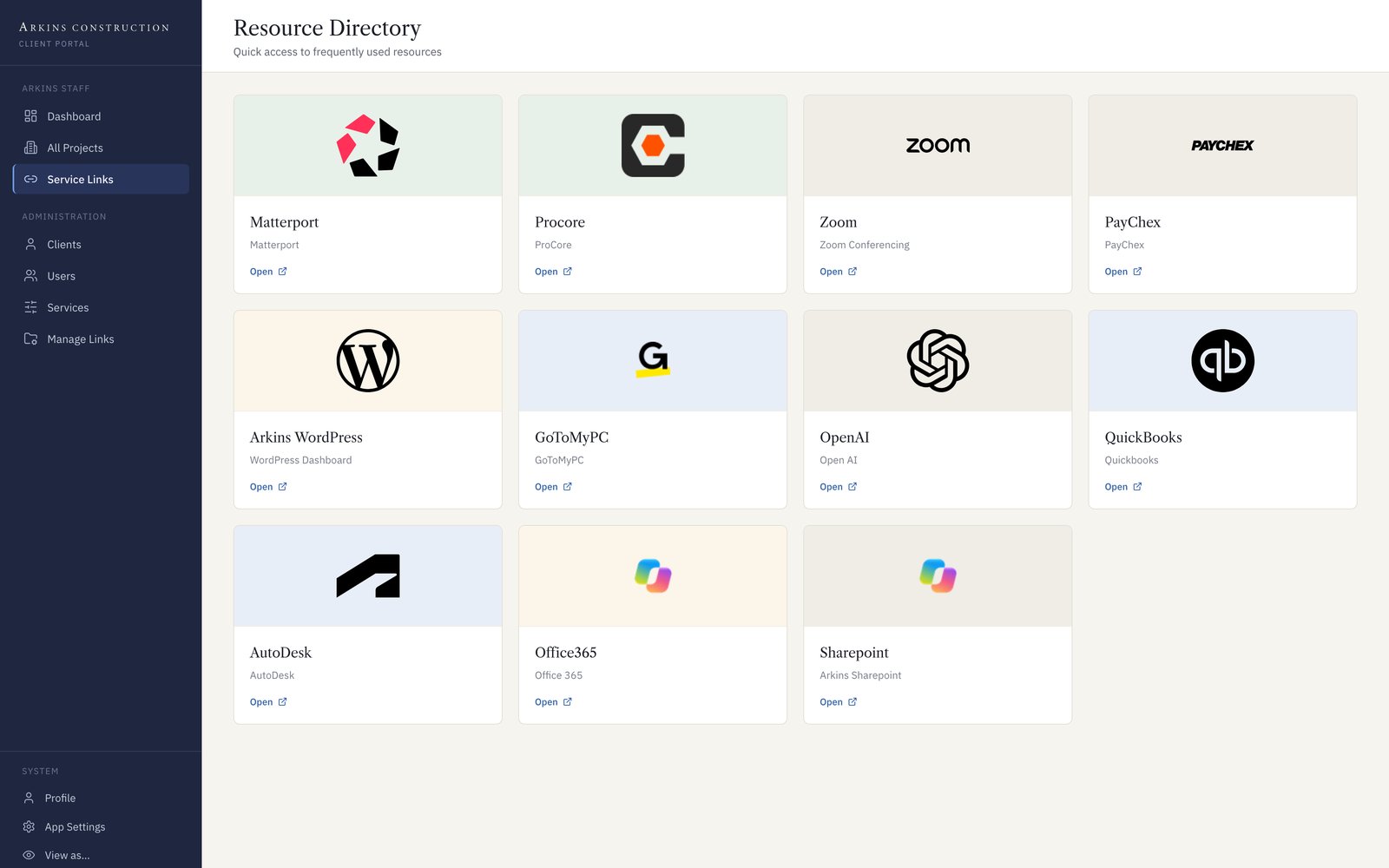
For the Arkins team, a Resource Directory puts the tools they use every day — Procore, Matterport, QuickBooks, SharePoint, Autodesk, and more — one click away. Arkins is a Microsoft shop, so the portal is moving to Azure App Service and Azure Database for PostgreSQL, where it will live alongside the rest of their systems.
Lucy, an AI assistant in Teams
Last winter we brought AI into the way Arkins works day to day. The company’s policies, procedures, and project documents live in SharePoint, so I started with a custom MCP server that connects AI tools to that knowledge base through Microsoft Graph. It can search, list, and read files — including PDFs, Excel spreadsheets, and Pages documents — and upload or update them, and it works with Claude, ChatGPT, and Microsoft Copilot. An admin page lets the team manage the rules and resources the AI works from.
On top of that I built Lucy, a Microsoft Teams bot. Anyone at Arkins can @mention Lucy in a channel and ask a question:
- Answers from the source: Lucy searches the SharePoint knowledge base, reads the matching documents, and answers from what they actually say — citing the document instead of guessing.
- Estimates on request: Lucy can draft a project estimate as an Excel file built from the company’s master estimate template and save it to SharePoint.
- More than one model: Claude answers by default, and “ask chatgpt,” “ask gemini,” or “ask all” sends the question to other models, so the team can compare answers side by side.
- Memory and summaries: Conversations are saved back to SharePoint as transcripts, and Lucy can summarize a channel’s past week of discussion.