Overview
eMoney Advisor builds financial planning software for wealth management. Founded in 2000 and part of Fidelity Investments since 2015, it works with thousands of financial professionals — from independent advisors to large enterprise firms — who use it to build plans, track their clients’ complete financial picture, and talk with clients about money.
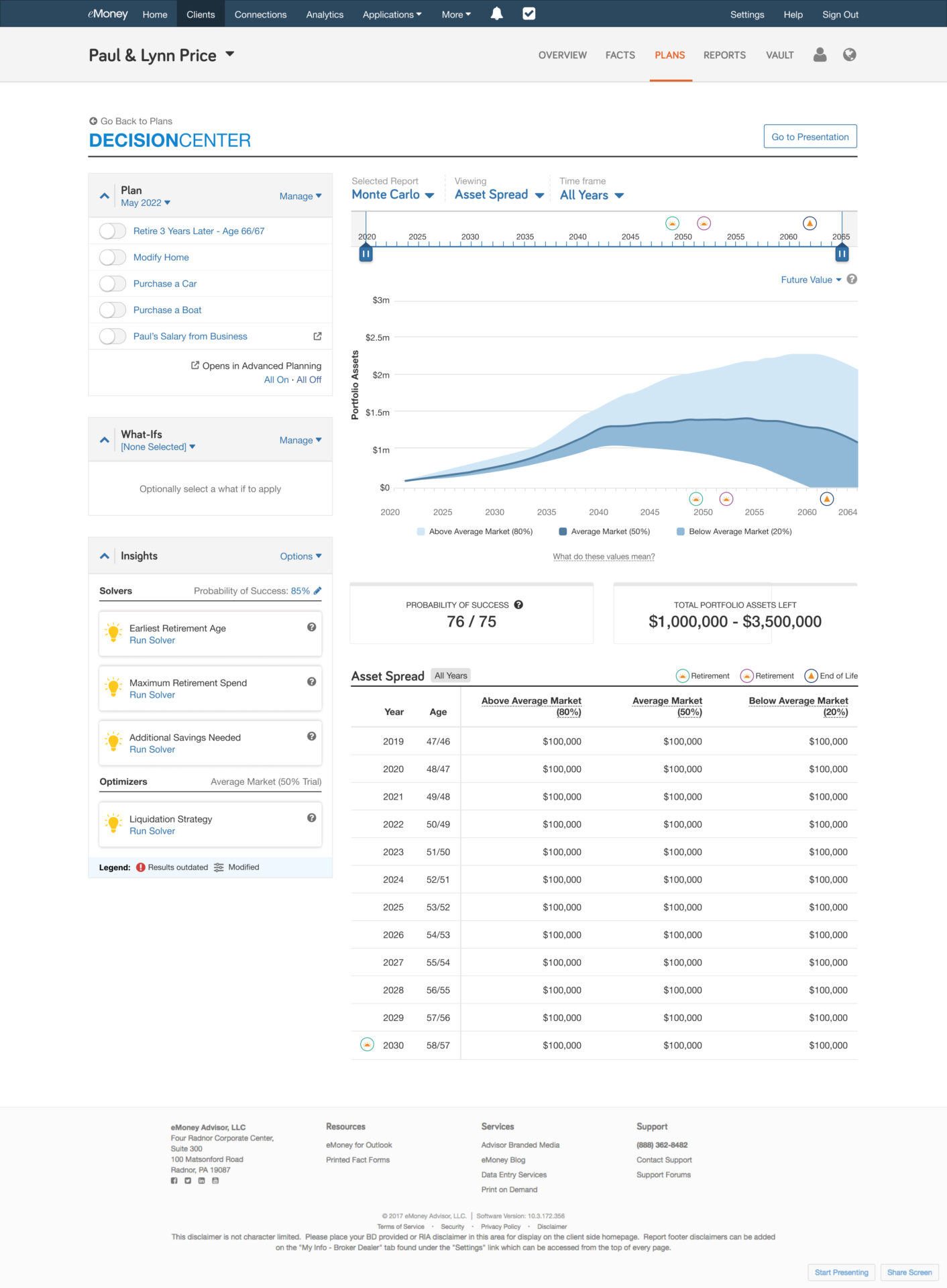
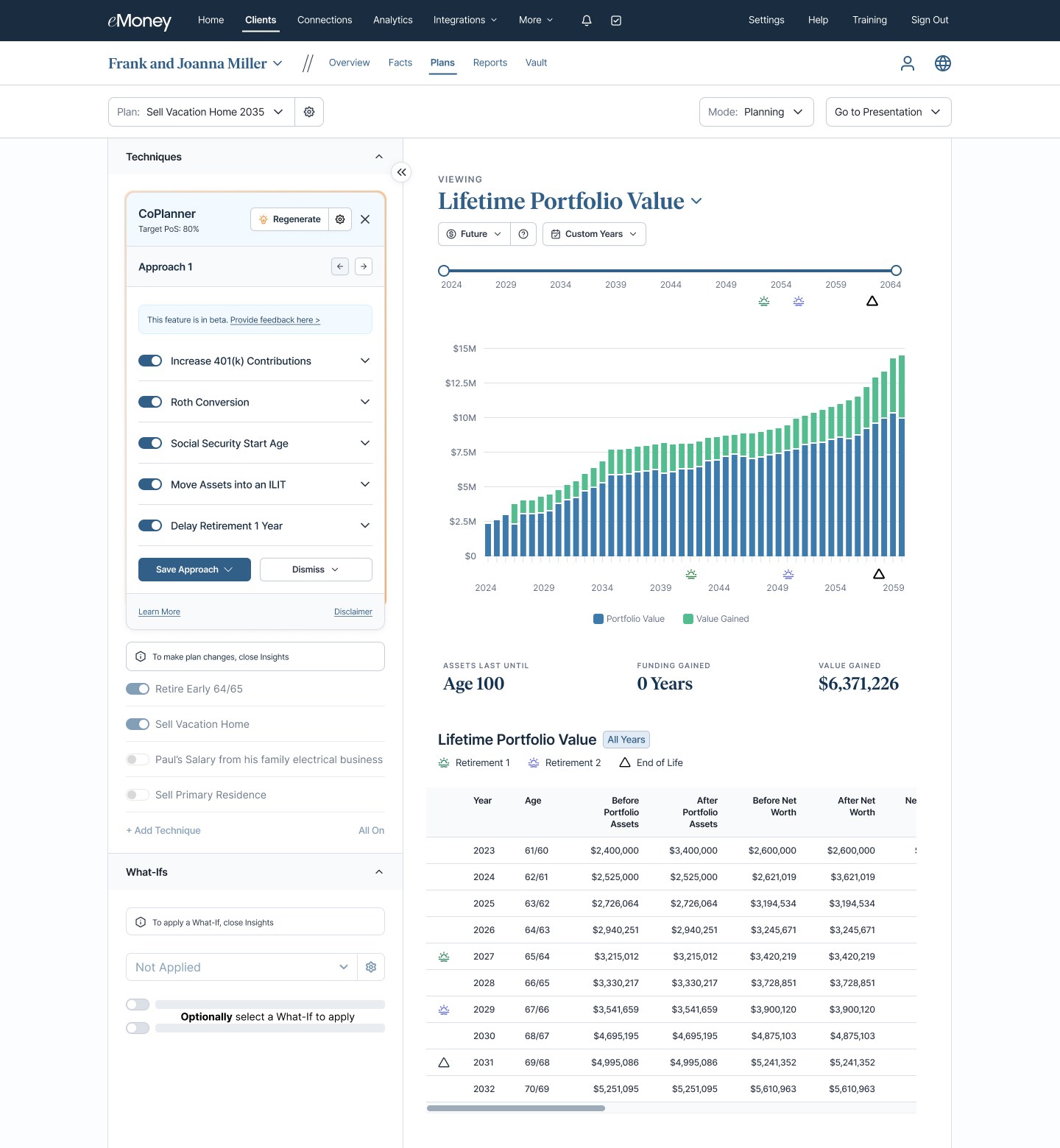
eMoney has been my home since 2018. I’ve primarily been responsible for the advisor experience in Decision Center, the interactive planning hub where advisors model strategies of every size and walk into client meetings confident in the advice they’re giving.
Key initiatives
Over my tenure I’ve carried a number of major initiatives across the finish line — and I continue to support each of them — while making steady, incremental improvements to the Decision Center experience along the way.
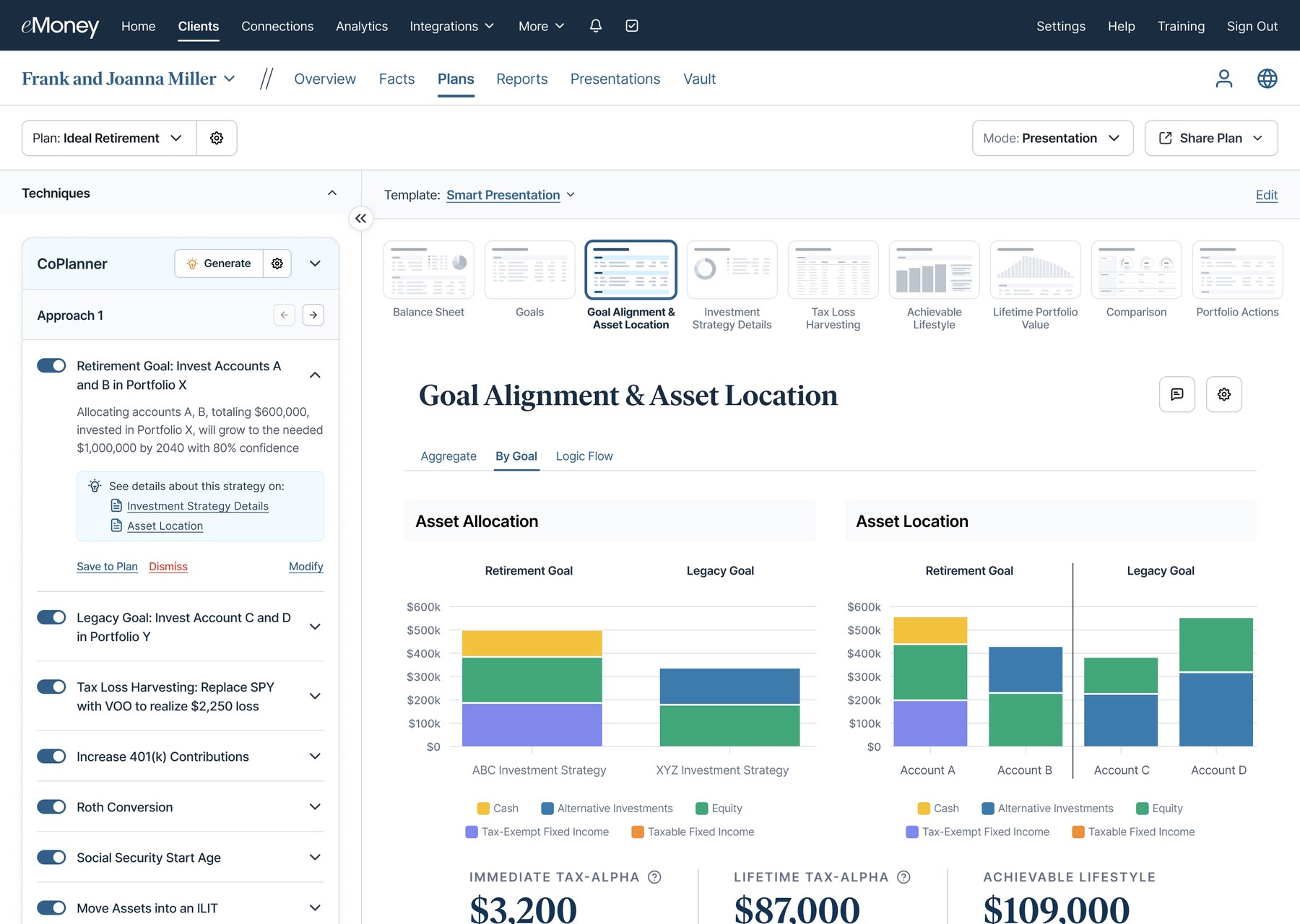
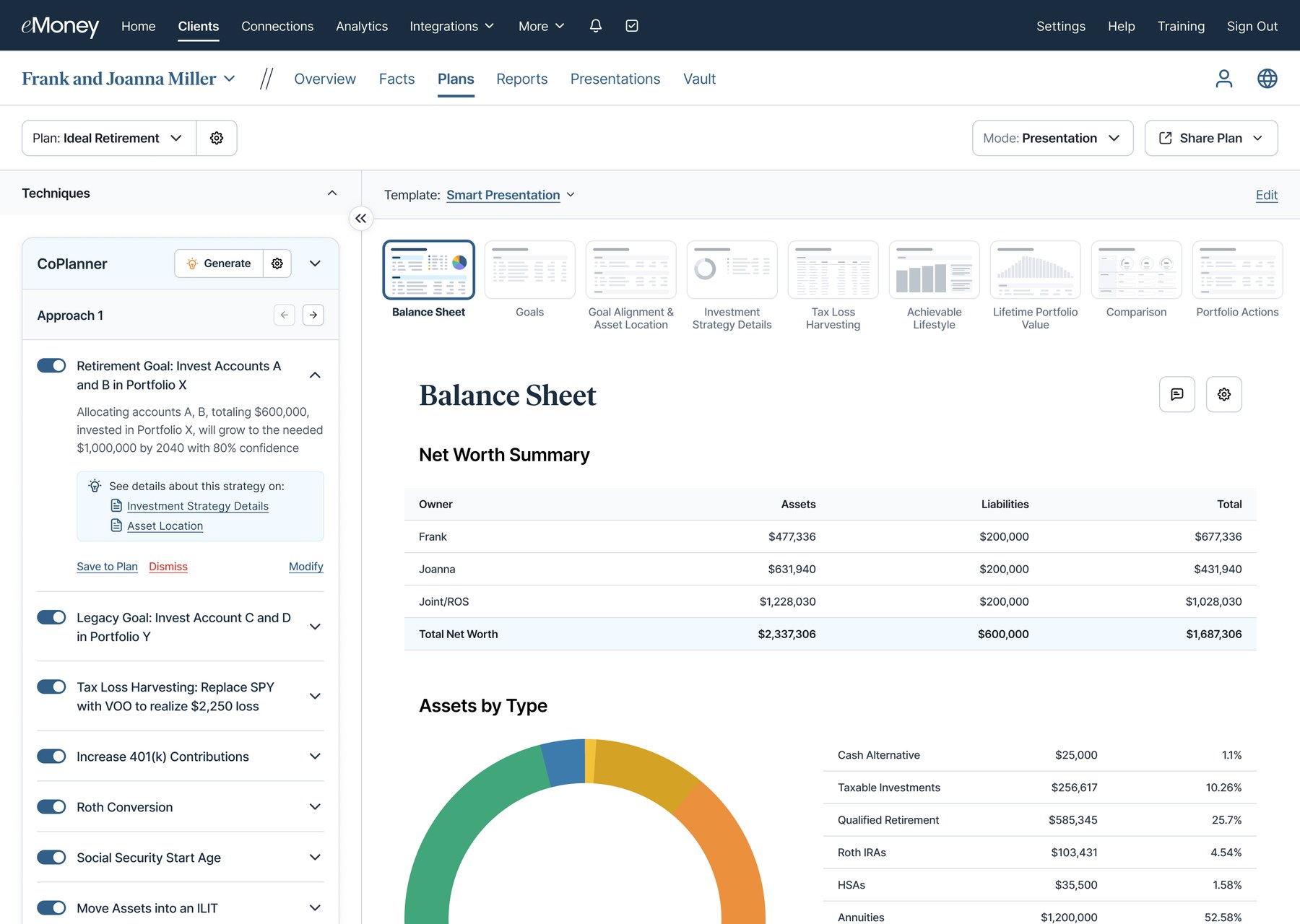
CoPlanner. I helped bring CoPlanner, eMoney’s intelligent co-advisor, to life. It suggests a planning approach as a stack of techniques, explains the impact of each one, and links to the report that backs it up.
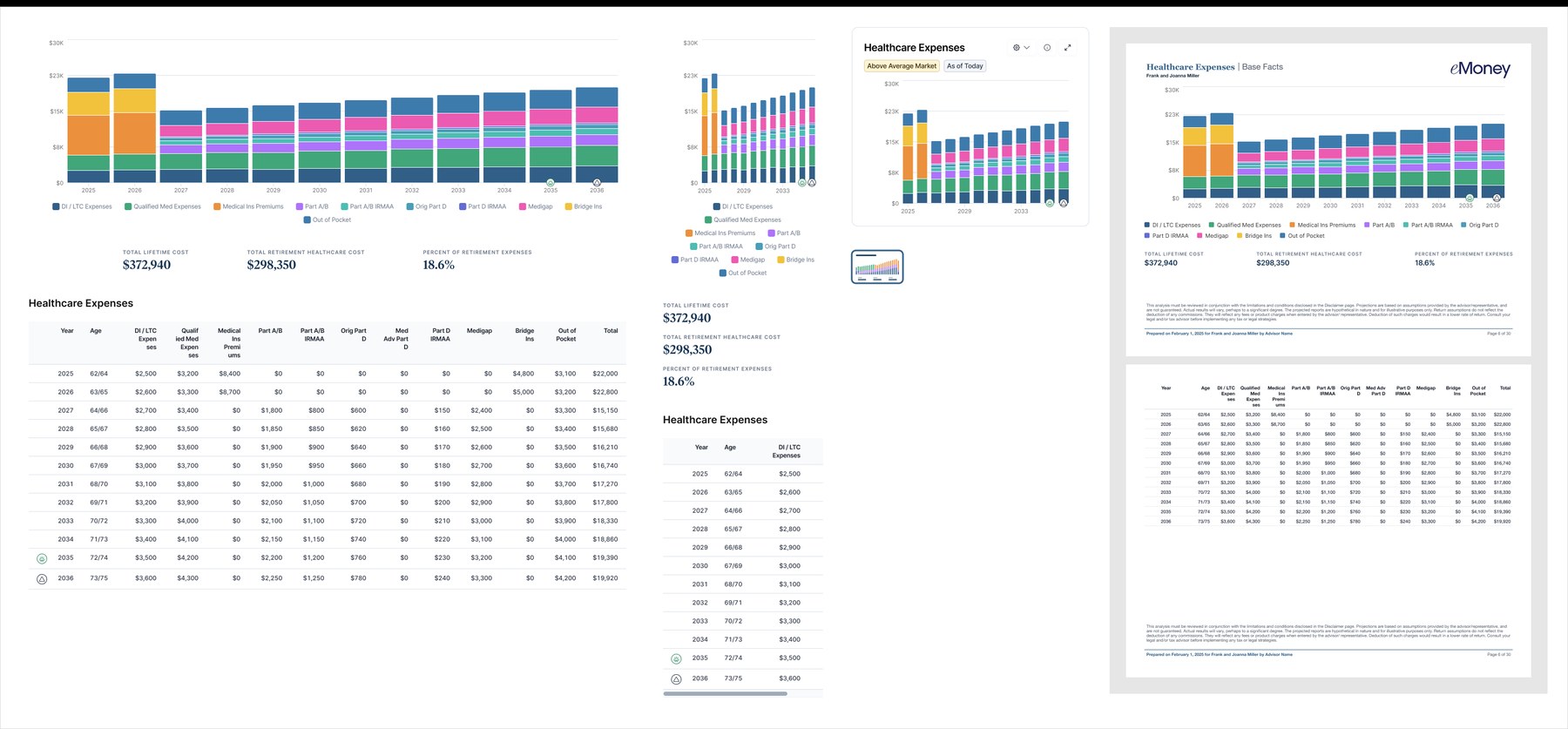
A modern reporting library. eMoney’s financial reporting library is extensive, and every report has to hold up on desktop, on mobile, and in print. I drove its modernization so each report is designed once and works in every context it appears.
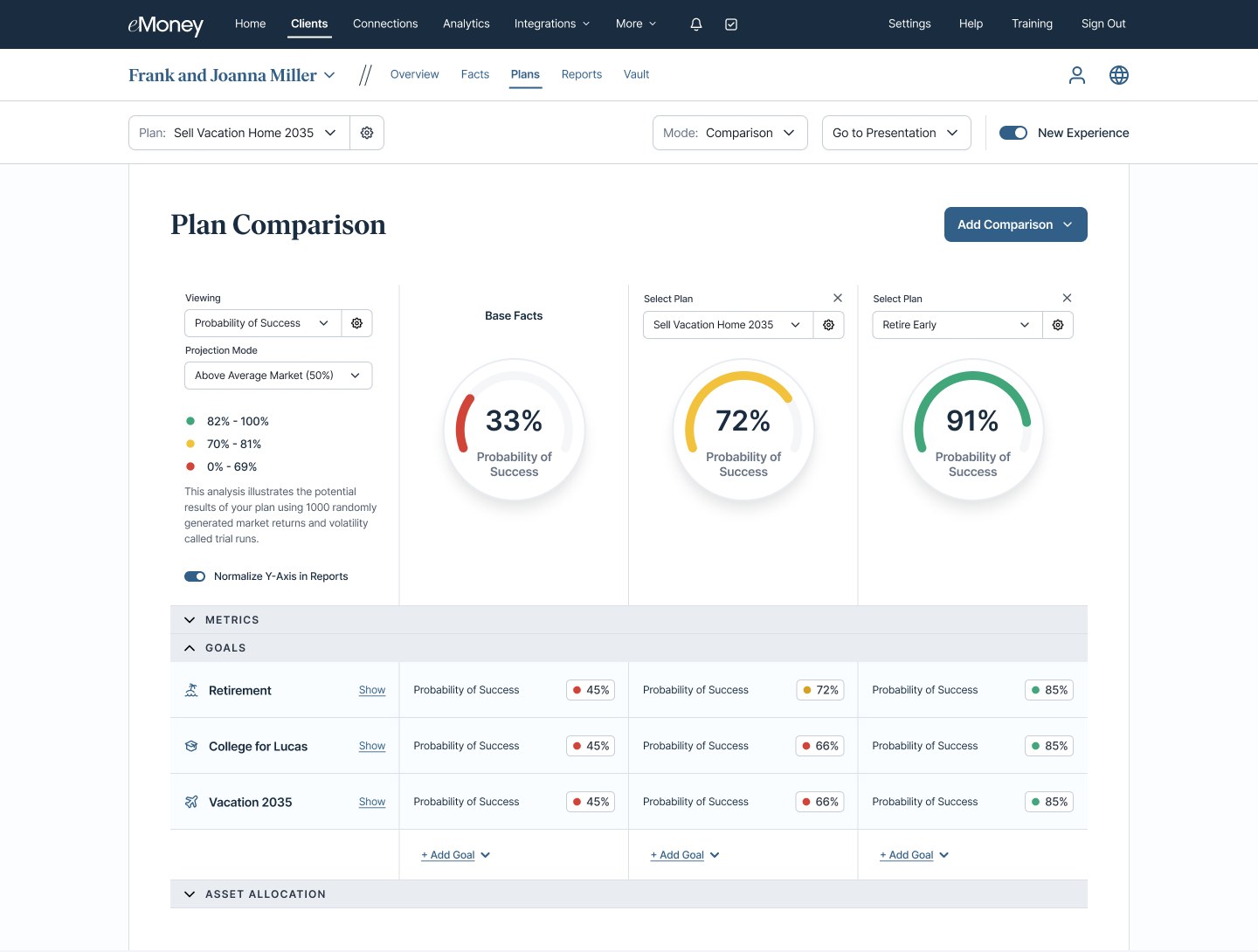
New planning modes. We’ve introduced a series of planning modes that give advisors more flexibility in how they plan and present to clients — including a revamped Plan Comparison tool, Multi-View for building custom dashboards with more granular reporting control, and more in the pipeline.
Design ops improvements
Beyond my day-to-day product work, I’ve taken on a growing role in building tools that speed up our design org’s workflows and improve handoff to engineering.
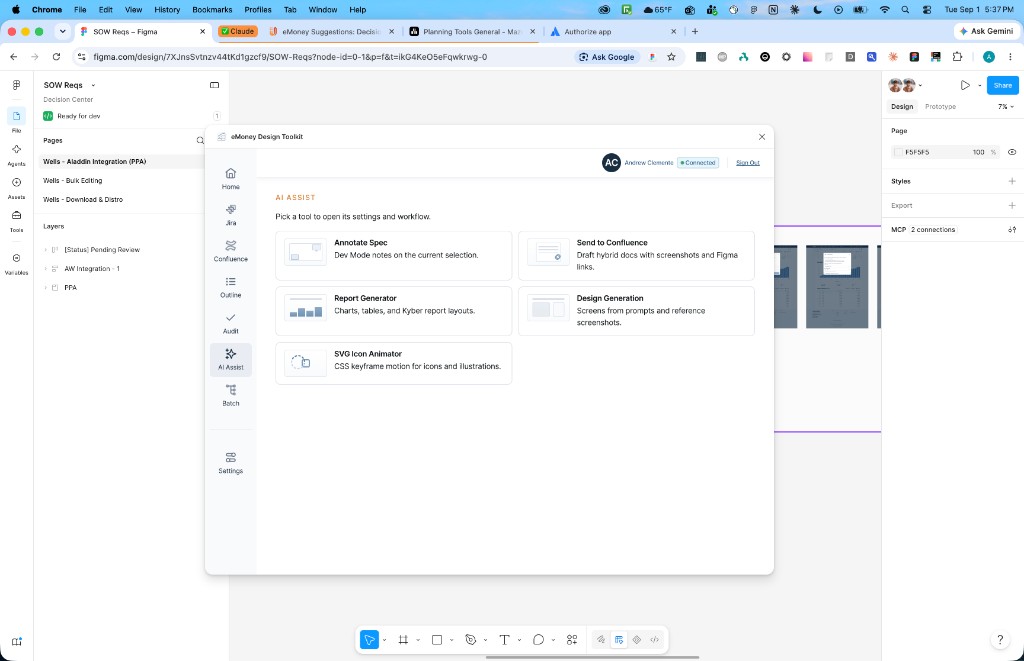
The biggest of these is the eMoney Design Toolkit, a Figma plugin I designed and built. eMoney’s design team lives in Figma, built on our design system, Kyber, while the rest of the company lives in Jira and Confluence. Every handoff meant leaving the file to file a ticket, paste a screenshot, and write a spec — and AI tools that promised to help would hand back something that looked close but used hardcoded colors, no variables, and charts that weren’t ours.
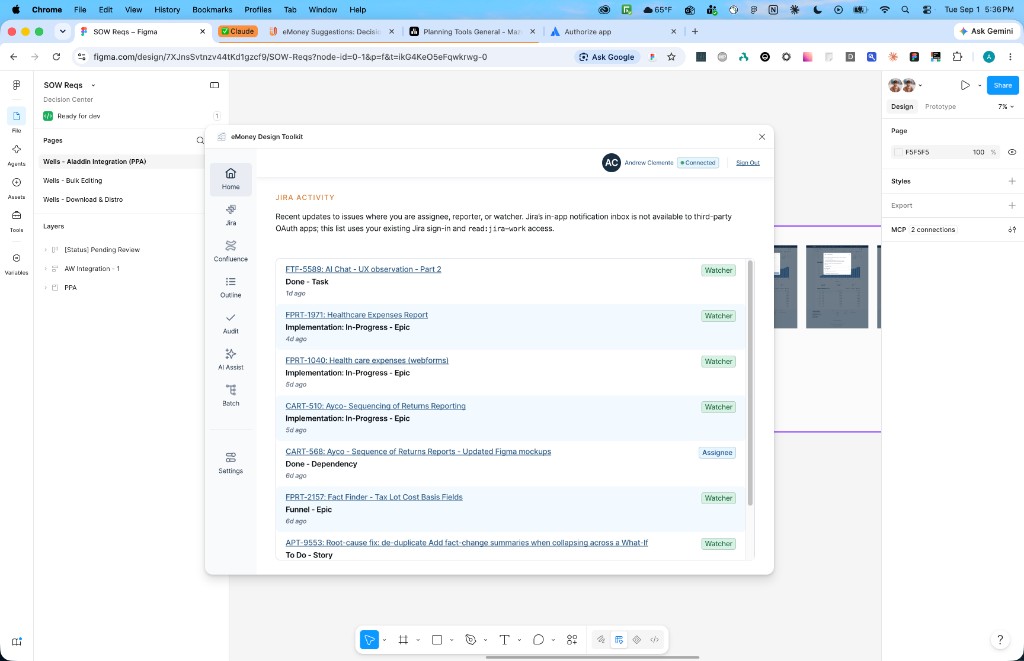
The toolkit puts that work inside Figma, as a sidebar for Jira, Confluence, file hygiene, design system audits, and AI that uses Kyber instead of ignoring it.
Stay in the file. Select a frame, find the Jira issue, attach a screenshot that actually embeds in the comment, and move on. Send a section to Confluence as a real page and re-sync it when the design changes. Set a frame to In Progress, Pending Review, or Ready for Dev from the right-click menu.
Make Kyber executable. Audit checks any selection against Kyber’s foundations and flags blockers, warnings, and suggestions, with safe fixes where possible. Apply Kyber Magic takes loose frames and SVGs from other tools and binds their fills, strokes, and text to the closest Kyber variables and text styles, adds auto-layout where it’s safe, and can be undone in one step.
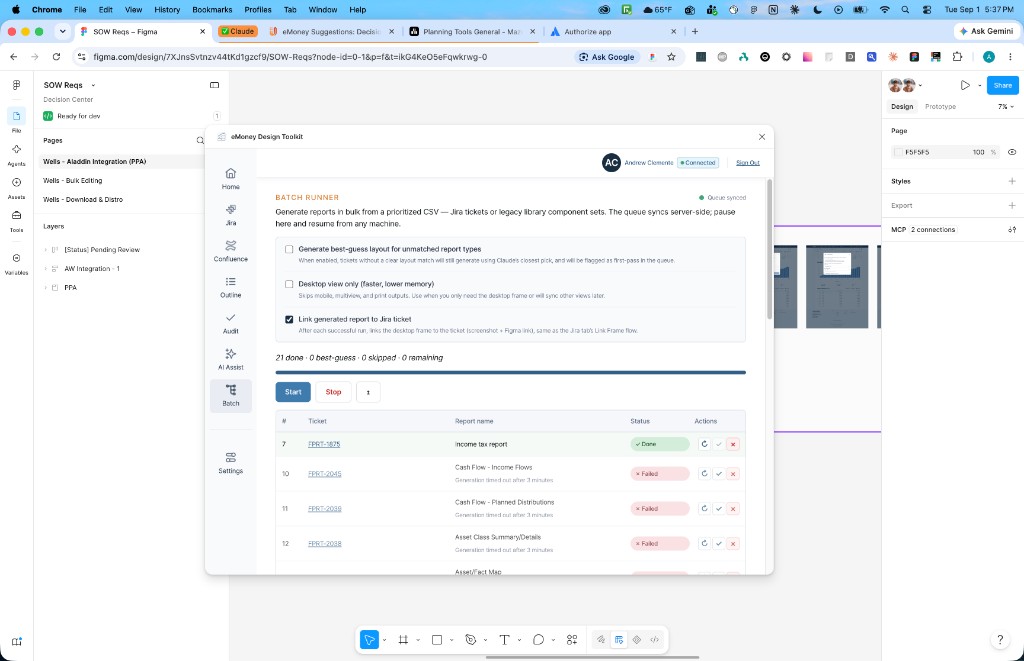
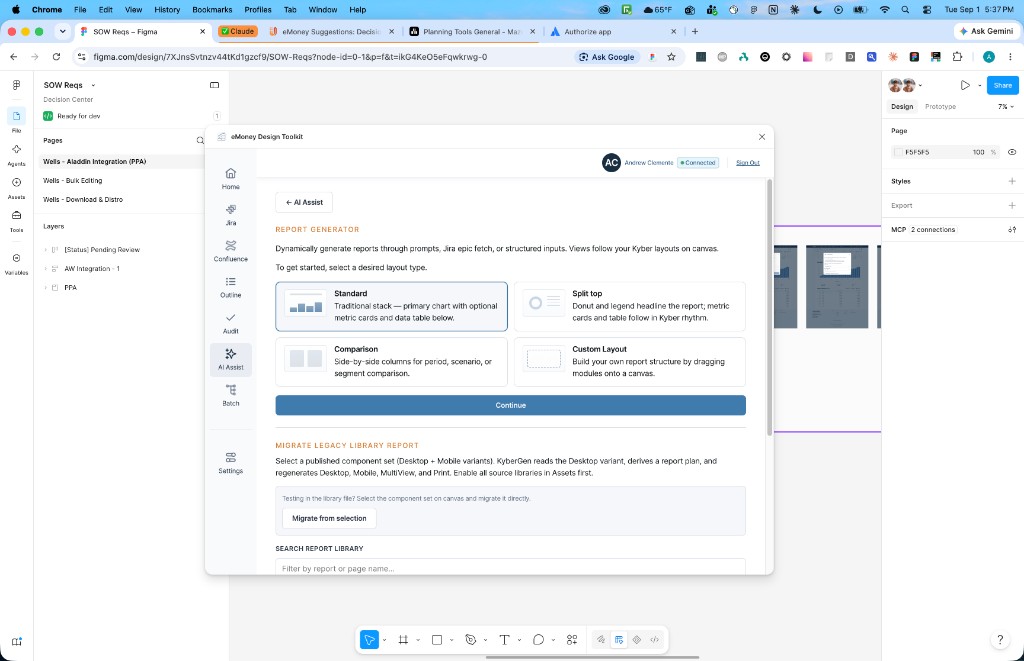
AI that knows the house rules. Report Generator builds report layouts from real Kyber modules — charts, tables, metric cards — from a prompt, pasted data, or a Jira epic. Design Generation does the same for product UI, falling back to primitives instead of inventing fake library pieces. Batch Runner works through a CSV of tickets or components as a queue that can pause and resume on any machine.
Integrating AI into workflows
As teams lean more on LLMs to speed up development, I’ve looked for ways to optimize my own workflows and the design org’s. I’ve been heavily involved in bringing AI into the tools we use every day, and I serve as an AI Champion within the organization, trusted to teach others how to use AI effectively and responsibly.
On the design side, I have extensive experience building prototypes in Figma and directly in Claude Design. I’ve also integrated and synced our design system with Claude Design and created reusable templates of key product areas, so other designers can start from real eMoney patterns instead of a blank canvas.